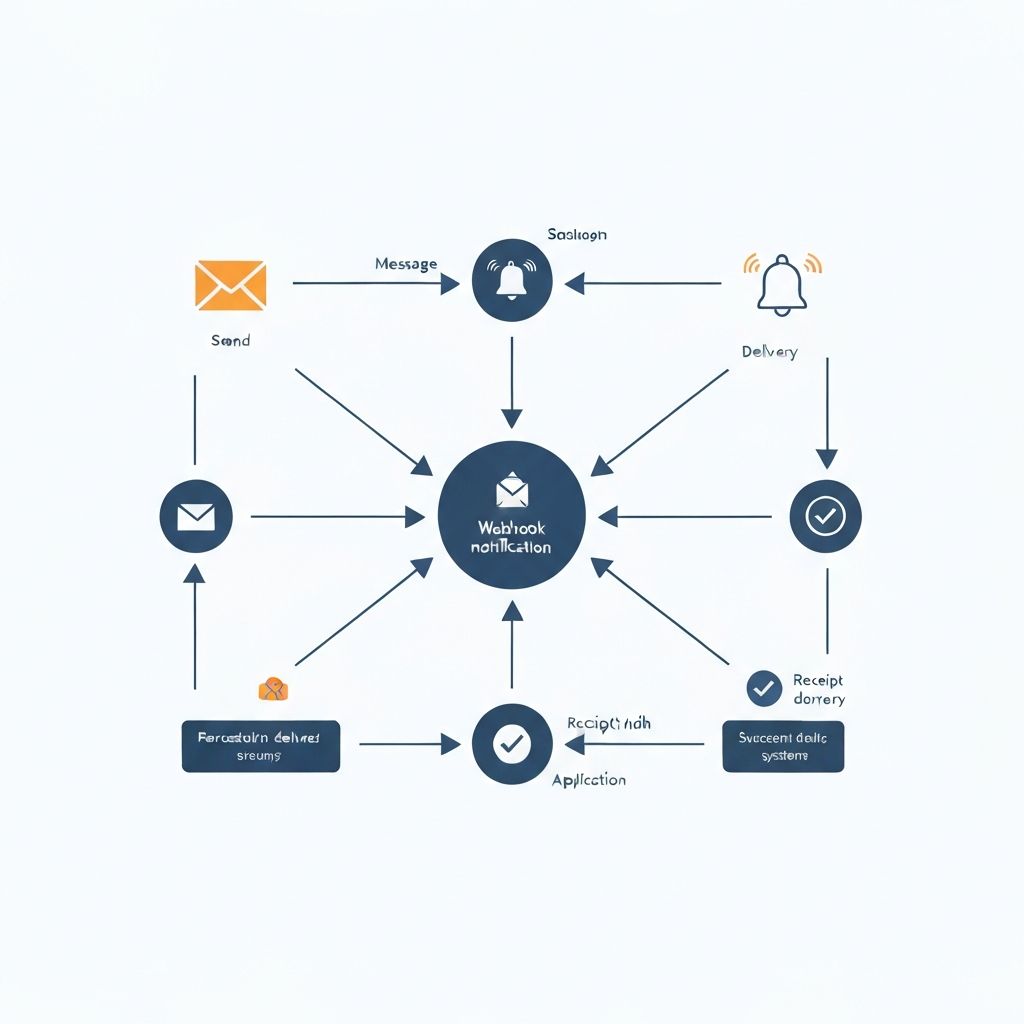
One of the most powerful features of the Databee platform is real-time alerting. Grid capacity is competitive—when an opportunity emerges, the first mover often wins. Webhooks let you know the moment conditions change, so you can act faster than competitors still waiting for weekly reports.
This guide covers everything you need to build robust webhook integrations: from basic setup to advanced patterns for production systems.
Why Real-Time Matters
Grid capacity changes constantly. Projects withdraw from interconnection queues. Studies complete with unexpected results. New generation comes online. Loads increase or decrease.
Any of these changes can create opportunities. A 100 MW project that withdraws from queue suddenly frees capacity that wasn't available yesterday. A transmission upgrade that completes opens new possibilities in a previously constrained area.
With traditional research methods, you might not learn about these changes for weeks or months. By then, competitors have already moved.
Webhooks change the equation. The moment we detect a material change in your target regions, we notify you. You can evaluate the opportunity and act while others are still unaware.
Basic Setup
### Registering a Webhook
First, register your webhook endpoint with Databee:
curl -X POST https://api.databee.io/v1/webhooks \
-H "Content-Type: application/json" \
-H "X-Payment-Proof: 0x..." \
-d '{
"url": "https://your-server.com/webhooks/databee",
"events": ["capacity.available", "queue.withdrawn"],
"filters": {
"regions": ["PJM", "ERCOT"],
"min_capacity_mw": 20,
"states": ["VA", "TX"]
},
"secret": "your-webhook-secret"
}'
### Configuration Options
url (required): Your HTTPS endpoint that will receive webhook payloads. Must be publicly accessible and respond within 5 seconds.
events (required): Array of event types to subscribe to. See Event Types below.
filters (optional): Narrow which events trigger notifications. Only events matching all specified filters will be sent.
secret (required): A secret string used to sign webhook payloads. Store this securely; you'll need it to verify authenticity.
### Event Types
### Filter Options
Receiving Webhooks
When an event matches your subscription, we send a POST request to your endpoint:
### Payload Structure
{
"webhook_id": "wh_abc123",
"event": "queue.withdrawn",
"timestamp": "2025-12-01T14:30:00Z",
"data": {
"queue_entry": {
"queue_id": "AC2-456",
"project_name": "Solar Project Alpha",
"capacity_mw": 75,
"substation": "Example 230kV",
"location": {
"state": "VA",
"county": "Loudoun"
}
},
"impact": {
"capacity_freed_mw": 75,
"queue_positions_shifted": 12,
"substations_affected": ["PJM-SUB-12345"]
}
},
"signature": "sha256=abc123..."
}
### Verifying Signatures
Always verify webhook signatures before processing. We sign payloads with HMAC-SHA256 using your webhook secret:
const crypto = require('crypto');
function verifyWebhookSignature(payload, signature, secret) {
const expectedSignature = 'sha256=' + crypto
.createHmac('sha256', secret)
.update(JSON.stringify(payload))
.digest('hex');
return crypto.timingSafeEqual(
Buffer.from(signature),
Buffer.from(expectedSignature)
);
}
// In your webhook handler
app.post('/webhooks/databee', (req, res) => {
const signature = req.headers['x-databee-signature'];
if (!verifyWebhookSignature(req.body, signature, WEBHOOK_SECRET)) {
return res.status(401).send('Invalid signature');
}
// Process the webhook
handleWebhook(req.body);
// Respond quickly
res.status(200).send('OK');
});
### Response Requirements
Your endpoint must:
1. Respond within 5 seconds with a 2xx status code
2. Process asynchronously — don't do slow work in the request handler
3. Handle duplicates — we may retry failed deliveries
If your endpoint fails to respond correctly, we'll retry with exponential backoff: 1 minute, 5 minutes, 30 minutes, 2 hours, 12 hours.
Advanced Patterns
### Idempotency
Webhooks can be delivered multiple times due to network issues or retries. Your handler should be idempotent:
async function handleWebhook(payload) {
const webhookId = payload.webhook_id;
// Check if we've already processed this webhook
const exists = await db.webhooks.findOne({ webhookId });
if (exists) {
console.log('Duplicate webhook, skipping:', webhookId);
return;
}
// Process the webhook
await processCapacityChange(payload);
// Record that we've processed it
await db.webhooks.insert({
webhookId,
processedAt: new Date(),
payload
});
}
### Async Processing
Webhook handlers should respond immediately and process asynchronously:
app.post('/webhooks/databee', async (req, res) => {
// Verify signature (fast)
if (!verifySignature(req)) {
return res.status(401).send('Invalid');
}
// Queue for async processing (fast)
await queue.add('process-webhook', req.body);
// Respond immediately
res.status(200).send('OK');
});
// Process in background worker
queue.process('process-webhook', async (job) => {
const payload = job.data;
// Now we can take our time
await notifyTeam(payload);
await updateDatabase(payload);
await triggerAutomation(payload);
});
### Alerting Integration
Many teams want webhooks to trigger alerts in existing systems:
async function processCapacityChange(payload) {
if (payload.event === 'queue.withdrawn') {
const { capacity_freed_mw, substations_affected } = payload.data.impact;
// Significant capacity freed - alert the team
if (capacity_freed_mw >= 50) {
await slack.send({
channel: '#grid-intel',
text: `🔔 Major queue withdrawal detected!
*${capacity_freed_mw} MW* freed at ${substations_affected.length} substation(s)
Region: ${payload.data.queue_entry.location.state}
View details: https://databee.io/queue/${payload.data.queue_entry.queue_id}`
});
}
// Update our internal tracking
await updateCapacityTracking(payload);
}
}
### Automated Actions
For sophisticated users, webhooks can trigger automated actions:
async function processCapacityChange(payload) {
if (payload.event === 'capacity.available') {
const substation = payload.data.substation;
// Check if this substation is in our target list
const isTarget = await isTargetSubstation(substation.id);
if (isTarget && substation.available_mw >= 50) {
// Automatically query full details
const queueData = await databee.queryQueueIntel({
region: substation.region,
state: substation.location.state,
county: substation.location.county
});
// Generate report for site selection team
await generateSiteReport({
substation,
queueData,
triggeredBy: payload.webhook_id
});
// Notify team with actionable information
await notifyTeam({
type: 'opportunity',
urgency: 'high',
substation,
queueData,
action: 'Evaluate for interconnection application'
});
}
}
}
Monitoring and Debugging
### Webhook Dashboard
The Databee dashboard shows webhook delivery history:
- All delivery attempts with timestamps
- Response status codes
- Payload contents
- Retry history for failed deliveries
### Testing Webhooks
Use our test endpoint to send sample payloads:
curl -X POST https://api.databee.io/v1/webhooks/{webhook_id}/test \
-H "X-Payment-Proof: 0x..." \
-d '{
"event": "capacity.available"
}'
This sends a realistic test payload to your endpoint, helping you verify your integration before real events occur.
### Common Issues
Timeout errors: Your endpoint is taking too long. Move processing to a background queue.
Signature validation failures: Ensure you're using the exact payload bytes (not re-serialized JSON) and the correct secret.
Missing events: Check your filters. An event might not match your specified criteria.
Duplicate processing: Implement idempotency as described above.
Pricing
Webhook subscriptions are priced based on the number of events delivered:
Each webhook delivery counts as one event, regardless of retries.
Next Steps
Webhooks are the foundation for building responsive grid intelligence systems. Combined with our query APIs, you can build:
- Real-time dashboards showing capacity changes as they happen
- Automated alerting to notify teams of opportunities
- AI agents that autonomously monitor and act on grid changes
- Portfolio monitoring systems tracking multiple sites simultaneously
The grid is dynamic. With webhooks, your systems can be too.